

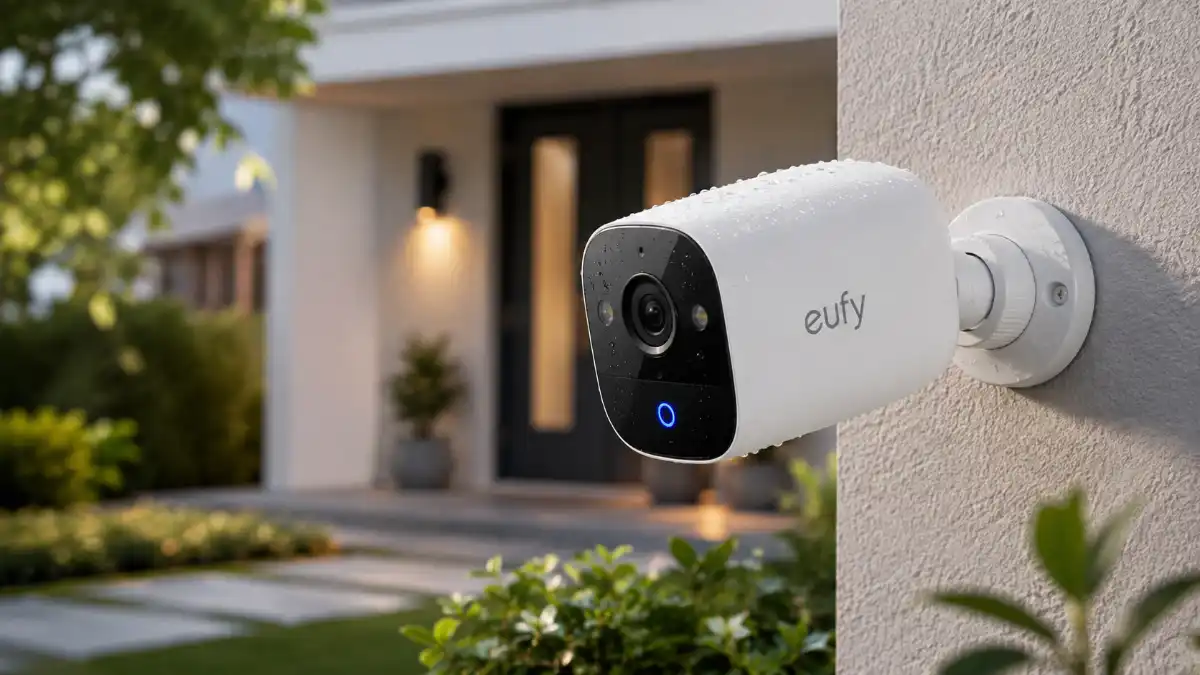
Most Eufy camera guides ask which model is best. A better question is which requirements you can’t compromise on: power, connectivity, recording mode, coverage area, and how many cameras you’ll eventually need. Answer those five questions in order and most of the lineup narrows itself.
Quick Decision Table
| If you need… | Start with… |
| Cheapest usable indoor camera | Indoor Cam E220 |
| Sharper 4K indoor detail | Indoor Cam E30 |
| Premium indoor camera with dual-lens tracking | Indoor Cam S350 |
| One outdoor spot, no hub | SoloCam S340 |
| Growing 4K wireless system | eufyCam S330 with HomeBase S380 |
| Large yard with auto-tracking | eufyCam S4 |
| No Wi-Fi at the camera location | 4G LTE Cam S330 |
| 24/7 recording across many cameras | PoE NVR System S4 Max |
Question 1: What Power Source Fits the Location?
Eufy cameras run on four power types, and this is usually the first thing that rules out half the lineup.
- Battery-only cameras trade continuous recording for installation flexibility – no wiring, but shorter uptime without a manual recharge.
- Battery + solar (SoloCam S340, eufyCam S4/S330/S3 Pro) reduces recharging when the panel receives consistent direct sunlight; shade, orientation, weather, season, and camera activity can significantly affect how much energy the panel actually provides.
- Hardwired AC (Indoor Cam E220/E30/S350, Floodlight Cam E340) needs an outlet but supports continuous power without battery management.
- PoE (PoE Cam S4 / NVR S4 Max) runs power and data over one cable per camera, which is why larger or commercial sites tend to use it.
For outdoor installs, also check the specific model’s weather-resistance rating and mounting position, since a shaded or poorly oriented spot limits how much a solar panel can contribute.
Question 2: How Does It Connect?
The connection method depends on the camera family. Standalone Wi-Fi cameras such as SoloCam and Floodlight Cam connect directly to your router, while eufyCam models designed for a HomeBase typically communicate with the hub using Eufy’s own low-power wireless connection rather than your home Wi-Fi directly.
The 4G LTE Cam S330 works differently: it uses a cellular data connection instead of Wi-Fi, which makes it the practical choice when there’s no router signal at the camera location at all.
If you’re building a multi-camera eufyCam system, Multi-Bridge can route compatible cameras through your home router to a HomeBase S380. Eufy says this can help when cameras sit far from the HomeBase or when several cameras are active simultaneously.
- Read more: Eufy Camera
Question 3: Motion-Triggered or Continuous Recording?
Most battery-powered Eufy cameras record motion-triggered clips by default, since continuous recording drains a battery much faster. For current Eufy models, wired Indoor Cams such as the E220, E30, and S350, the Floodlight Cam E340, the eufyCam S4 when directly powered, and PoE NVR systems support continuous recording with the appropriate storage setup.
The eufyCam S4 specifically supports 24/7 recording when connected to direct power and configured with compatible storage; check the current firmware and storage requirements on the product page before enabling the feature.
It’s also worth knowing that continuous recording fills storage much faster than motion-triggered clips. As a reference point, Eufy’s own documentation lists roughly 5 days of 4K footage or roughly 10 days of 2K footage on a 128GB card; actual retention varies by resolution, bitrate, encoding, and camera.
Question 4: How Much Area Does One Camera Need to Cover?
- A single room or doorway: Indoor Cam E220/E30 for basics, or Indoor Cam S350 for dual-lens wide-plus-telephoto detail indoors.
- A driveway or side yard: Floodlight Cam E340 or SoloCam S340.
- A long perimeter or large yard where you want the camera to follow movement: eufyCam S4, which combines a fixed 4K bullet lens with a 2K pan-tilt-zoom lens for auto-tracking.
- A property with no router access: 4G LTE Cam S330.
Question 5: One Camera or a Growing System?
A standalone camera (SoloCam, Floodlight Cam) has the lowest upfront cost and quickest setup, which works fine if you only need one or two views covered. Once you’re planning several cameras, pairing eufyCam units with a HomeBase centralizes storage instead of paying for storage per camera, letting you add units over time without rebuilding the system. It’s a system-design decision, not a universal cost rule – whether it saves money depends on how many cameras you end up running. For a larger property needing many cameras with continuous coverage, the PoE Cam S4 / PoE NVR System S4 Max is designed for continuous recording across 8 to 16 channels with storage from 2TB to 16 TB
Current Pricing Reference (U.S., August 2026)
| Model | Reference price |
| Indoor Cam E220 | ~$55 single; 2-camera kit ~$100 |
| Indoor Cam E30 | ~$70 single; 2-camera kit ~$130 |
| Indoor Cam S350 | ~$130–$140 |
| SoloCam S340 | ~$180–$230 |
| eufyCam S330 (4-camera kit + 1TB) | ~$550+ |
| eufyCam S3 Pro (4-camera kit + 1TB) | ~$850 |
| Floodlight Cam E340 | ~$220–$240 |
| PoE NVR System S4 Max | ~$1,500 |
Do You Need a Subscription?
No, not for any of the storage methods described above – local recording to built-in memory, microSD, a HomeBase, or an NVR doesn’t require a subscription on supported setups. Two optional paid services exist and are worth telling apart:
- Cloud Backup: Basic is $2.99/month per camera ($29.99/year); Premier covers up to 10 cameras for $9.99/month ($99.99/year).
- Professional Monitoring: Basic Protection is $4.99/month; Plus Protection is $9.99/month, for compatible security devices and alarm setups
The Privacy History Worth Factoring In
In November 2022, security researcher Paul Moore found that some Eufy cameras uploaded facial-recognition thumbnails to Amazon Web Services even when cloud storage was supposedly disabled, and that certain live streams could be accessed through ordinary software like VLC without proper authentication. Eufy later said it moved transmitted video in its web portal to WebRTC-based encryption in January 2023.
In January 2025, the New York Attorney General secured a $450,000 settlement from three Eufy distributors after an investigation found that video streams from certain products were not always securely encrypted and could, in some circumstances, be accessed through direct links without authentication.
That history doesn’t mean every current model shares identical weaknesses, but it does mean you shouldn’t assume uniform protection across the lineup. Check the encryption documentation for the specific model and storage setup you’re buying, especially for cameras placed somewhere sensitive.
Eufy vs. Ring vs. Arlo
Eufy’s core advantage is that local recording works without a mandatory subscription on supported setups. Ring or Arlo may fit better if you’re already using their apps, need their specific cloud features, or want integrations Eufy doesn’t currently support in your setup. Neither brand is objectively superior – it depends on whether avoiding recurring fees matters more than ecosystem familiarity.
Frequently Asked Questions
Do I need a HomeBase to use an Eufy camera?
It depends on the model. The eufyCam S4 and compatible SoloCam models can connect directly to Wi-Fi and run without a HomeBase; most other eufyCam models are designed around a HomeBase for centralized storage and additional AI features.
How long does a SoloCam S340 battery last without reliable sunlight?
Without steady solar charging, expect shorter runtime than the roughly three-month-or-longer estimate seen under lighter use with sun exposure; motion frequency, temperature, and clip length all affect the actual figure.
Can I mix different Eufy cameras on the same HomeBase S380?
Many compatible eufyCam and SoloCam models can share a HomeBase S380, but compatibility varies by specific model and firmware version, so check the product page before combining hardware.
Does an Eufy camera work with no Wi-Fi at all?
Eufy’s current option built for that scenario is the 4G LTE Cam S330, which connects over a cellular data plan instead of Wi-Fi.
What’s the real difference between motion-triggered and continuous recording?
Motion-triggered recording only saves clips when activity is detected, extending battery life and storage; continuous recording saves everything nonstop but fills storage much faster (roughly 5 days at 4K or 10 days at 2K on a 128GB card) and generally needs stable plug-in or wired power.
Is Eufy secure today, given the 2022 privacy issues?
Eufy made documented security changes after 2022, including encrypted web streaming, but the 2025 regulatory settlement confirmed real weaknesses existed in specific products. Verify the current encryption details of your exact model rather than assuming the issue is uniformly resolved.